
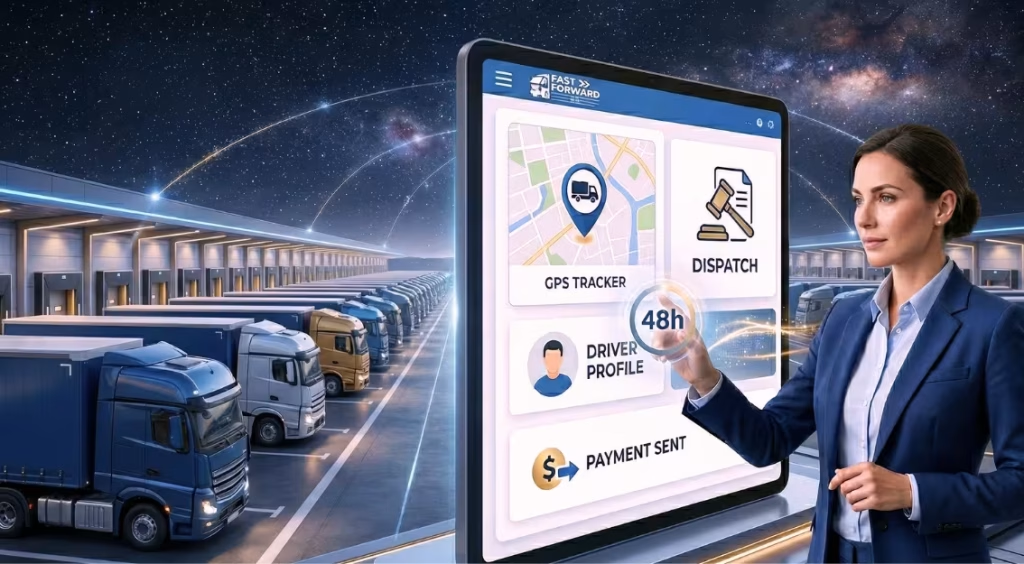
How to Get Started With Fast Forward TMS in Less Than 48 Hours
Fast Forward TMS can be fully set up in less than 48 hours, allowing carriers to onboard drivers, configure dispatch, enable tracking, and start billing without complex technical processes. This makes it one of the fastest ways to implement a carrier TMS or trucking management software without long onboarding cycles. Traditional transportation management systems often take weeks to implement, creating delays, increasing manual work, and slowing down operations. Fast Forward TMS eliminates this complexity with a structured onboarding approach designed specifically for small and mid-sized carriers. Backed by 7+ years of TMS delivery experience and 18+ years of transportation technology expertise, Fast Forward TMS is trusted by 1,500+ companies, with 95% of carriers reporting smoother dispatch workflows after adoption. Key Takeaways How Fast Forward TMS Reduces Setup Time Compared to Traditional TMS Traditional transportation management systems often take 2 to 6 weeks to implement due to complex configurations, multiple integrations, and dependency on technical teams. These delays typically occur because carriers need to manually set up dispatch workflows, onboard drivers, connect different tools, and manage scattered operational data during onboarding. As a result, many carriers experience slower implementation, increased manual effort, and delayed transition to a fully digital system. Fast Forward TMS is designed to eliminate these challenges by simplifying the entire onboarding process and focusing only on what carriers actually need to get started quickly. What Makes Fast Forward TMS Faster to Set Up What You Need Before Setting Up Fast Forward TMS To set up Fast Forward TMS within 48 hours, having the right operational information prepared in advance is essential. This helps avoid onboarding delays and ensures a smooth transition from setup to live operations. Before you begin, make sure you have the following details ready: Preparing this information in advance allows you to quickly configure dispatch, enable tracking, and set up billing without interruptions. How to Set Up Fast Forward TMS in Less Than 48 Hours (Step-by-Step) Fast Forward TMS follows a structured onboarding process designed specifically for carrier operations. By completing the steps below in sequence, you can configure your system and start dispatching, tracking, and billing within 48 hours. Step 1: Create Your Account and Access the Dashboard Start by creating your account and logging into the platform. Review the dashboard to understand key modules such as dispatch, drivers, loads, and billing. This step ensures you understand the system layout before entering operational data. Step 2: Add Company, Drivers, and Fleet Information Enter your company details, onboard drivers, and add fleet information including trucks and capacity. This step builds the operational foundation required for dispatch and tracking. Step 3: Set Up Dispatch Workflow and Load Management Create loads, define routes, and assign drivers to shipments. This is the core operational setup where your dispatch process becomes structured and system-driven instead of manual. Step 4: Enable Driver Connectivity and Real-Time Tracking Connect drivers through the mobile app or system interface and enable real-time tracking. This allows you to monitor truck movement, improve communication, and gain full visibility into operations. Step 5: Configure Rates, Billing, and Invoicing Set up rate confirmations, pricing structures, and payment terms. This ensures that completed loads are automatically converted into invoices, reducing manual billing work and improving cash flow. Step 6: Test Workflows and Go Live Review all configurations, test dispatch, tracking, and billing workflows, and make final adjustments. Once verified, your system is fully operational and ready for daily use. What You Can Achieve Within 48 Hours of Using Fast Forward TMS Within just 48 hours of setting up Fast Forward TMS, your operations shift from manual and fragmented processes to a fully structured, system-driven workflow. Instead of relying on calls, spreadsheets, and disconnected tools, you gain complete control over dispatch, tracking, and billing from a single platform. Start Dispatching Without Delays Assign loads, manage routes, and coordinate drivers directly within the system without manual follow-ups or back-and-forth communication. Get Real-Time Visibility Across Your Fleet Track truck movement, monitor driver activity, and stay updated on operations without needing constant calls or status checks. Generate Invoices Immediately After Load Completion Convert completed loads into invoices instantly, reducing billing delays and improving cash flow consistency. Centralize Driver and Fleet Management Manage all driver and vehicle information in one place, making it easier to handle assignments, updates, and operations at scale. Reduce Manual Work and Operational Errors Replace scattered workflows with a structured system that minimizes coordination effort, reduces errors, and improves overall efficiency. Conclusion: Setting up a transportation management system no longer needs to be a time-consuming or complex process. Fast Forward TMS simplifies onboarding with a structured approach that allows carriers to go live in less than 48 hours. From adding drivers and managing dispatch to enabling tracking and automating billing, everything is designed to work together in a single, easy-to-use platform. For carriers still relying on manual processes or disconnected tools, this shift can significantly improve operational efficiency, reduce delays, and create a more controlled workflow. If you are looking to streamline your operations, improve visibility, and accelerate your billing cycle, Fast Forward TMS provides a practical and scalable solution built specifically for modern carrier needs. Frequently Asked Questions
How to Get Started With Fast Forward TMS in Less Than 48 Hours Read More »